


Template Highlights
- This expense report template is available as an Excel workbook, a Word document, or a PDF.
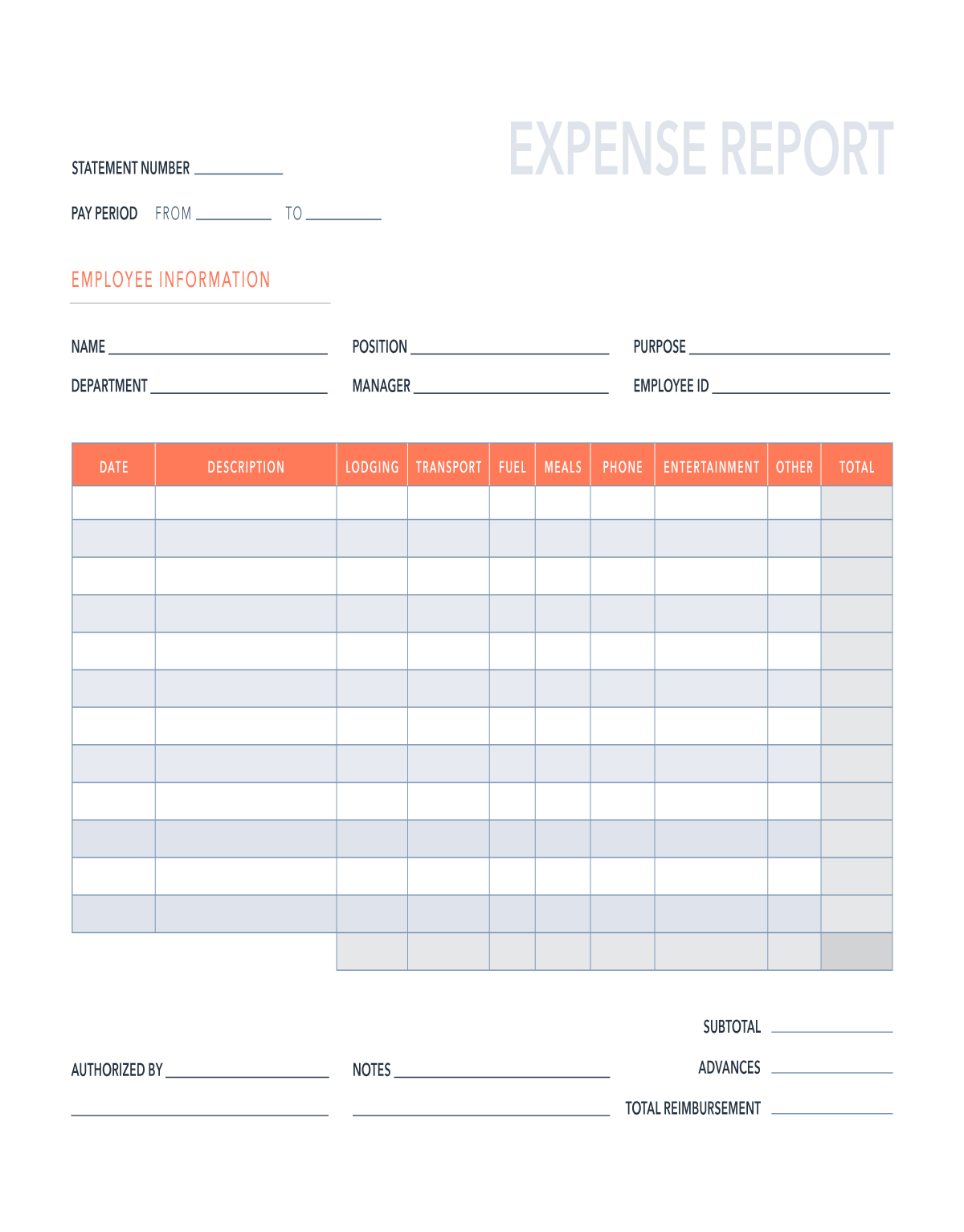
- Begin by completing the information in the upper left corner of the report. You will need to include the pay period, as well as your name, position, department, manager, and employee ID number. You should also indicate the reason for the expenditures.
- Now, enter your expenses in the spreadsheet. Include the date of purchase and a brief description. Place the amount in the appropriate column (designated by category).
- The expenses will be summed automatically at the bottom of the table.
- Add any relevant notes before submitting to your supervisor.
- When the expense report is authorized, your manager will add their name and signature.