Walk through the Breeze tools that help your team research accounts, personalize emails, and reach prospects when they're most likely to engage.
Turn One Asset into a Complete Campaign
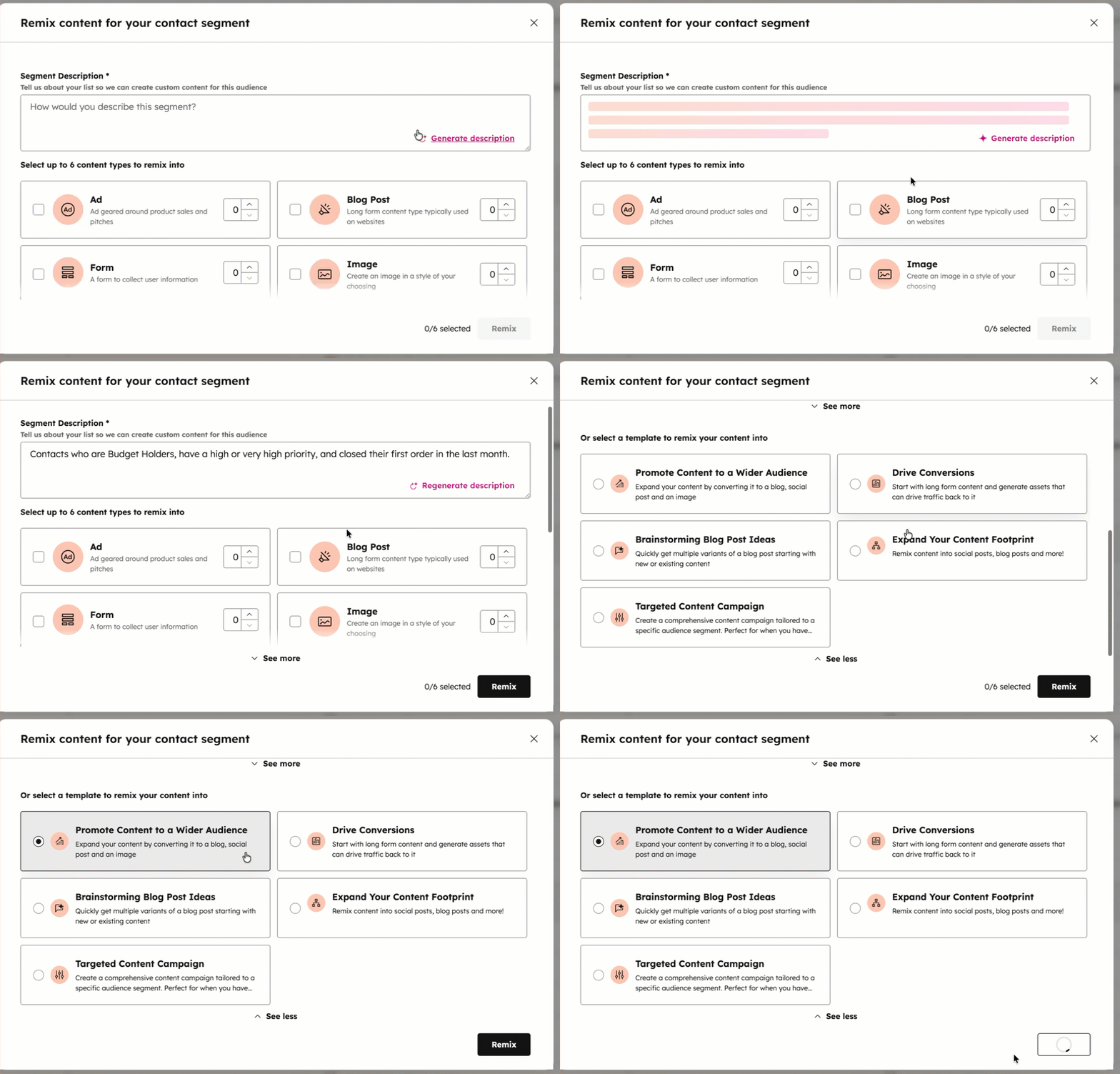
Content Remix takes your existing blogs, pages, videos, or files and repurposes them into social posts, emails, landing pages, podcasts, or ads. Pick your best content, select the formats you need, and Breeze handles the rest in your brand voice.
Start with Content Remix to multiply your content output. Then layer in Breeze Assistant to refine drafts and Brand Identity to keep every piece on brand across channels.
Learn more
Start with Content Remix to multiply your content output. Then layer in Breeze Assistant to refine drafts and Brand Identity to keep every piece on brand across channels.
Our team has transformed workflows — with content remix they're publishing faster and repurposing smarter. HubSpot's AI tools help us generate first drafts, streamline SEO research, and turn every post into high-impact content across channels.
JEFF PREVITE
Director of Content and Training
Blueleadz

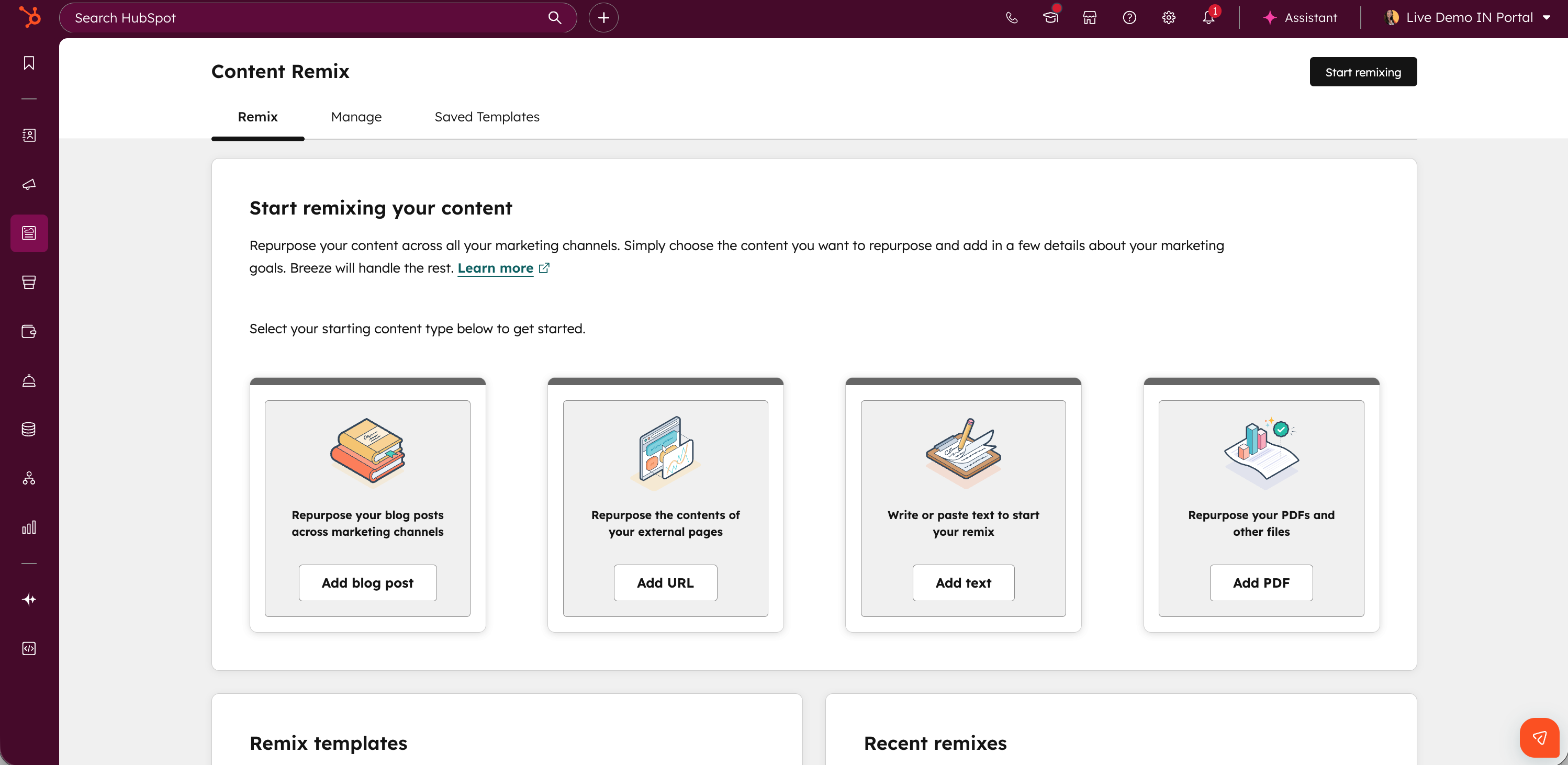
Step 1 - Navigate to Content Remix
Go to Content, then Remix in your HubSpot account, and click "Start remixing."
Step 2 - Add Your Source Content
Click "Add content" and select your content type like blog post, website page, landing page, or upload a file. Choose your best-performing content to maximize the value of each remix.
Step 3 - Select Output Formats
Click the plus button to add content types you want to generate like social posts, emails, landing pages, or podcasts. Use the counter to set how many pieces of each type you need.
Step 4 - Generate and Refine
Add attributes and custom instructions, and then click "Remix" to generate all your content variations at once. Review each piece in the preview panel, then click "Save and edit in app" to finalize in the relevant tool.
Start here
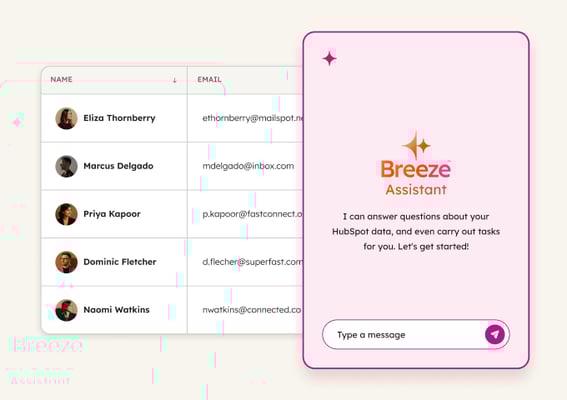
Breeze Assistant
Refines copy, expands on ideas, and helps with brainstorming based on your business context and style guide. Use it to improve AI-generated drafts with strategic thinking and creative judgment before publishing.
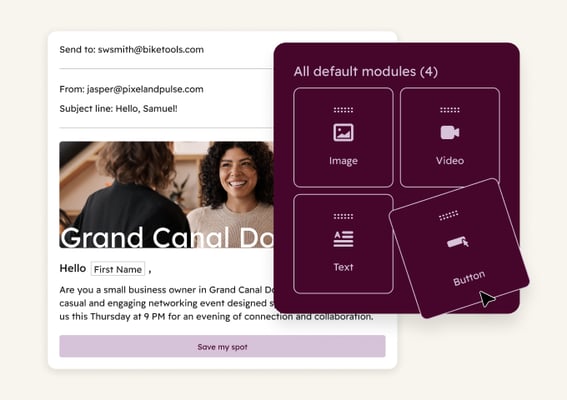
Brand Identity
Ensures AI-generated content matches your style guide and brand voice by capturing tone, ideal client profile, and competitive positioning automatically. Use it to maintain consistent messaging across all AI-created content with less manual rewriting.
AI Blog
Turns ideas into optimized blog content in your brand voice with SEO keywords and structure built in. Use it to publish blog posts faster without starting from a blank page every time.
 Established
Define Target Audience
Discover who your best customers actually are. Breeze analyzes your CRM to surface patterns across top accounts, so you build segments based on what drives conversions, not assumptions.
 Early
Early
Plan Campaigns
Skip the blank-page problem. Breeze turns your campaign brief into a multi-channel plan with channel recommendations, messaging angles, and content ideas grounded in your CRM data.
 Emerging
Report on Campaigns
Stop waiting for quarterly reviews to find out what worked. Breeze analyzes campaign performance in real time and recommends what to change before the cycle ends.