Walk through the Breeze tools that help your team research accounts, personalize emails, and reach prospects when they're most likely to engage.
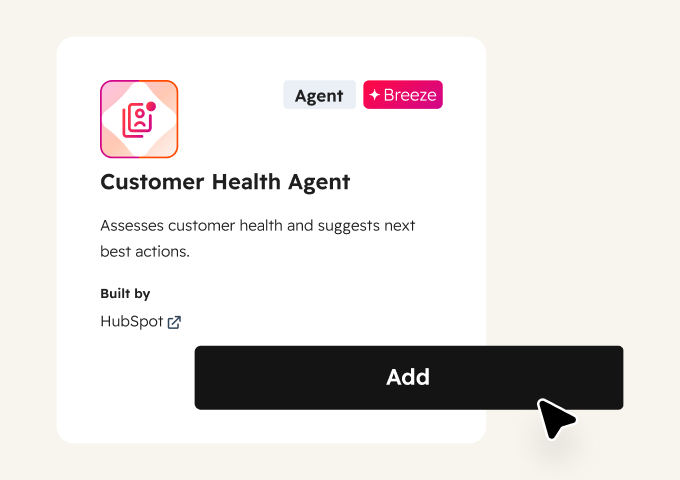
Know Which Customer Accounts are Ready to Expand
Expansion revenue is hiding in your existing accounts. Customer Health Agent analyzes usage patterns, engagement signals, and account health to identify which customers are ready for an upsell or renewal conversation and when the timing is right.
Start with Customer Health Agent to flag expansion-ready accounts with timing recommendations. Add Conversation Intelligence to catch customers mentioning growth needs, new features, or additional team members during calls.
Start here
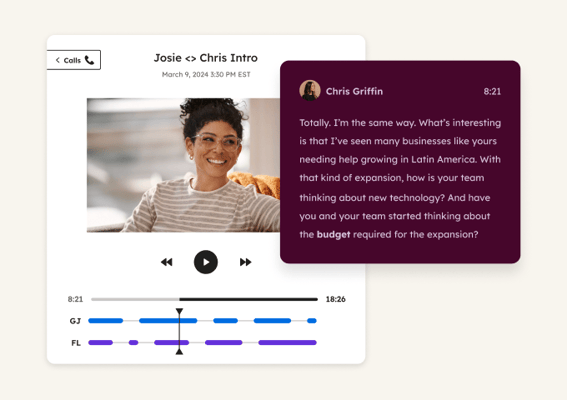
Conversation Intelligence
Identifies customers mentioning expansion needs, new features, or additional team members during calls. Generates reports that surface growth signals from live conversations, so you catch upsell opportunities your usage data alone would miss. Use it alongside Customer Health Agent for a complete view.
 Emerging
Identify At-Risk Customers
Spot churn signals before customers leave. Breeze analyzes account health, ticket trends, and call patterns to flag at-risk accounts and recommend specific actions to save them.
 Emerging
Analyze Customer Feedback
Read every survey without reading every survey. Breeze analyzes feedback responses and call transcripts to surface the key themes your customers care about most.
 Established
Prep for and Follow Up on Meetings
Walk into every QBR ready. Breeze pulls complete customer history before each meeting, records the conversation, and captures action items so nothing slips between calls.