- HubSpot AI Use Case Library
- Create and Maintain KB Articles
Walk through the Breeze tools that help your team research accounts, personalize emails, and reach prospects when they're most likely to engage.
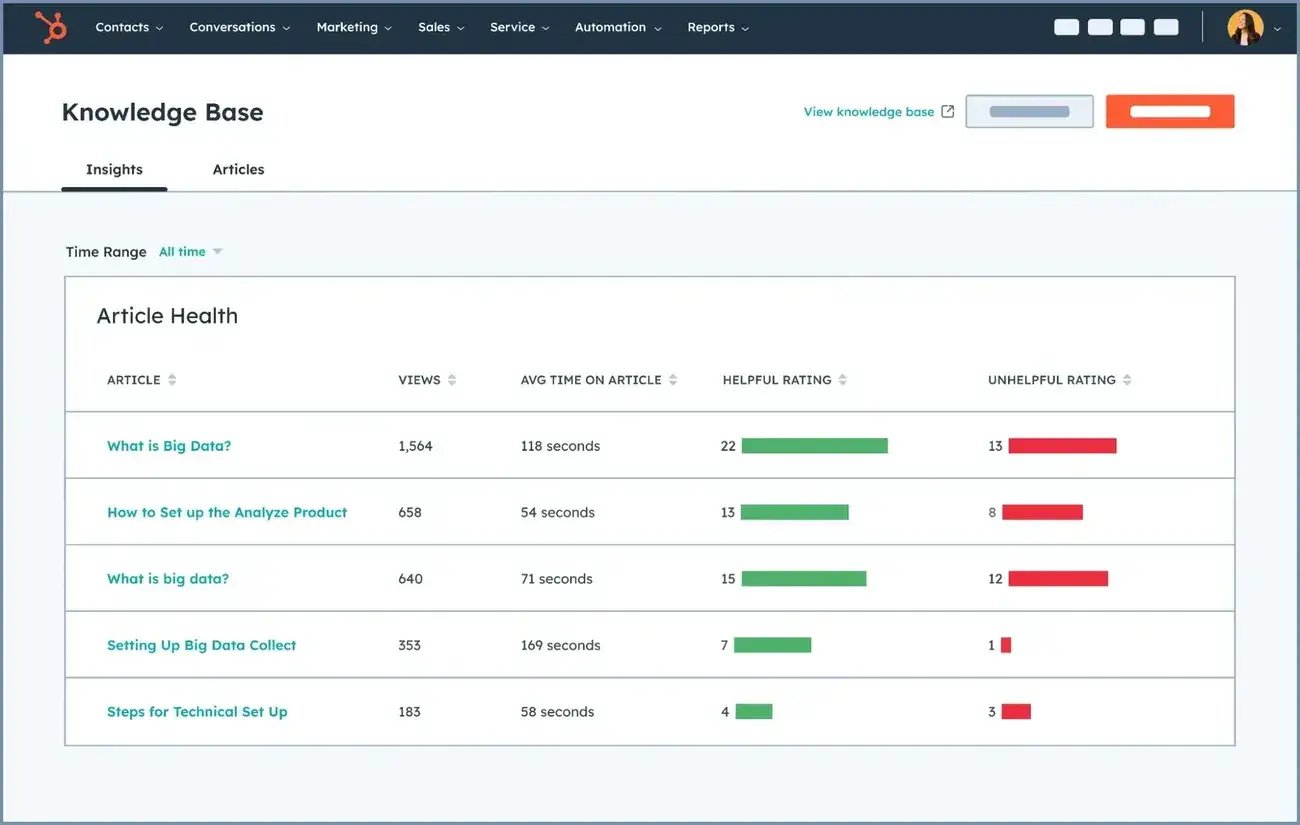
A Knowledge Base that Writes Itself
A complete knowledge base reduces ticket volume and makes Customer Agent more effective. But keeping it current takes time no one has. Knowledge Base Agent analyzes ticket patterns to find gaps, drafts new articles, and flags outdated content.
Start with Knowledge Base Agent to identify which customer support topics generate tickets but lack articles. It drafts new articles using answers from your historical ticket data and monitors existing articles for content that needs updates as your product changes.

Service Hub Professional
Get Started with Knowledge Base Agent
Start filling your knowledge base gaps automatically.
Step 1 - Open Knowledge Base Agent
Navigate to Service, then Knowledge Base. Click on the Knowledge Base Agent tab. The agent connects to your existing knowledge base and ticket data automatically. You don't need to create any new content to start. The agent analyzes your tickets to find the topics customers ask about most that lack articles.
Step 2 - Review Suggested Articles
The agent identifies content gaps by analyzing ticket patterns and suggests new articles to fill them. Each suggestion includes the topic, the ticket data it drew from, and a draft article. Review the suggestions to see which gaps are costing your team the most time.
Step 3 - Edit and Publish Drafts
Open any suggested article to review the AI-generated draft. The draft is built from answers your team has already given in ticket responses, so the content is based on real solutions. Edit for accuracy, add screenshots or links if needed, and publish to your knowledge base.
Step 4 - Monitor for Outdated Content
Knowledge Base Agent continuously monitors your existing articles and flags content that may be outdated based on changes in ticket patterns or product updates. Review flagged articles and update them to keep your knowledge base accurate as your product evolves.
Related Use Cases
Established
Resolve Support Tickets
Resolve common inquiries instantly, day or night. Breeze handles routine questions using your knowledge base, freeing your team to focus on complex issues that need human expertise.

Identify At-Risk Customers
Spot churn signals before customers leave. Breeze analyzes account health, ticket trends, and call patterns to flag at-risk accounts and recommend specific actions to save them.

Analyze Customer Feedback
Read every survey without reading every survey. Breeze analyzes feedback responses and call transcripts to surface the key themes your customers care about most.
Detail Setup Guide