After replacing sequences with Prospecting Agent for unbooked MQLs, we saw a 28% increase in total meetings booked. The results speak for themselves and we're just getting started.
JENNIFER CRAIG
Senior Growth Systems Manager
RevenueWell
.png?width=272&height=48&name=RevenueWell_Logo%20(1).png)
Start here
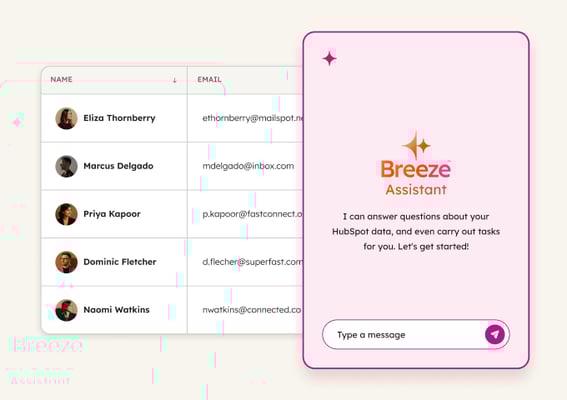
Breeze Assistant
Helps refine outreach copy and personalize messaging based on deal context and customer history by pulling from your complete CRM data. Use it to improve agent-drafted emails with strategic thinking before sending or to craft one-off personalized messages for high-value prospects.
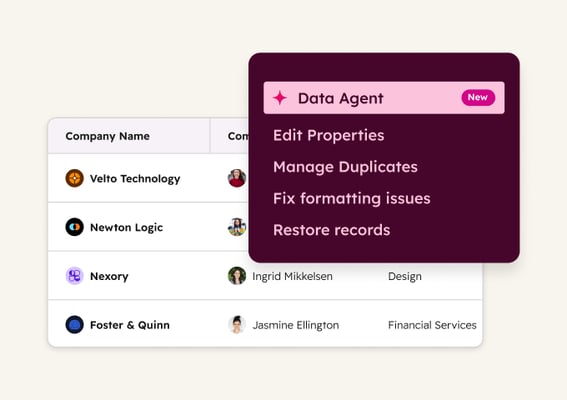
Data Agent
Researches customer accounts to provide outreach insights by analyzing recent company announcements, industry challenges, and CRM interactions. Use it to answer custom questions like "What products does this company sell?" or "Who are their main competitors?" to inform your outreach strategy.
 Established
Identify Buyer Intent
See which companies are actively researching solutions like yours. Breeze tracks website visitors and monitors for buying signals, so reps focus on warm accounts instead of cold outreach.
 Emerging
Enrich Contact and Company Data
Fill CRM gaps automatically with complete contact and company details. Breeze enriches records continuously, so your team can segment, score, and personalize without manual research.
 Emerging
Capture and Qualify Leads
Convert website visitors into qualified meetings, 24/7. Breeze engages leads instantly, qualifies them on your criteria, and books meetings with the right rep while interest is high.