Walk through the Breeze tools that help your team research accounts, personalize emails, and reach prospects when they're most likely to engage.
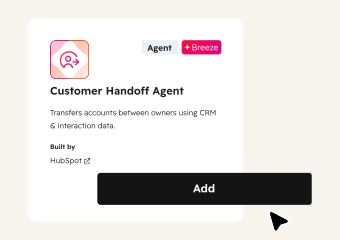
Give Service Teams the Full Story on Day One
When a deal closes, everything the sales rep knows should transfer to the service team. Customer Handoff Agent compiles recent communications, deal status, tickets, public news, and main contacts into one structured document. No more scattered context.
Start with Customer Handoff Agent to generate handoff documents automatically. Add Company Research Agent for deeper account context. Use Breeze Assistant to surface deal history, call summaries, and key commitments from the sales process.
Start here
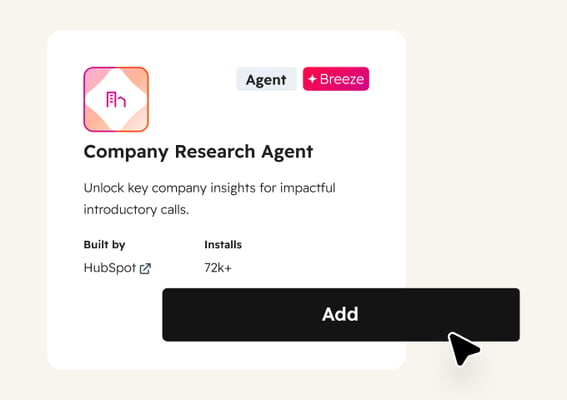
Company Research Agent
Provides additional context on the account by researching public information like recent news, leadership changes, and business developments. Use it when the handoff document needs more background on the customer's current situation or strategic priorities.
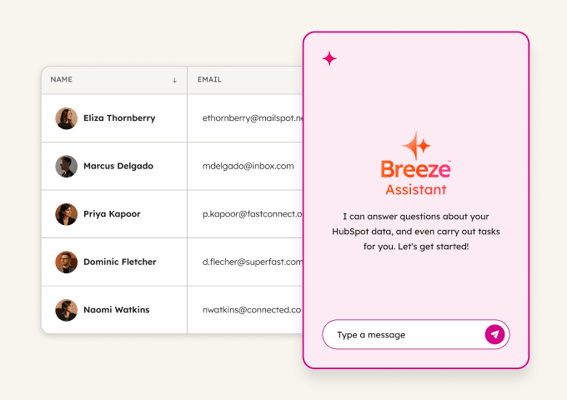
Breeze Assistant
Surfaces deal history, call summaries, and key commitments made during the sales process by pulling from your complete CRM data. Use it to quickly answer specific questions like "What discounts did we offer?" or "What were their main concerns during evaluation?"
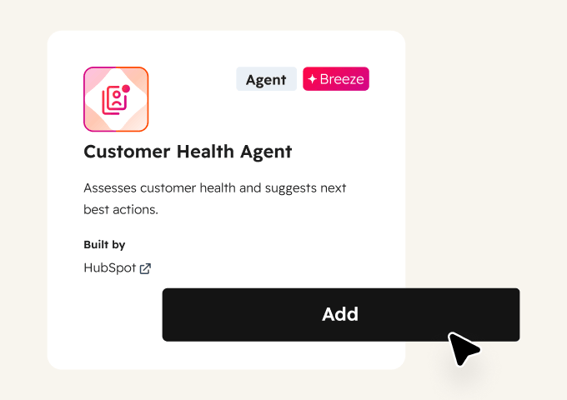
Customer Health Agent
Provides additional context on account health for sales-to-service handoffs based on recent conversations and broader web signals. Use it to flag any early warning signs, so the service team knows which new accounts need extra attention during onboarding.
 Established
Prep for and Follow Up on Meetings
Walk into every call prepared and walk out with follow-ups ready. Breeze pulls CRM context before each meeting and captures notes, action items, and draft emails after.
 Emerging
Identify At-Risk Deals
Catch stalled deals before they go cold. Breeze monitors your pipeline for deals losing momentum, flags what changed at the account, and helps reps re-engage with relevant outreach.
 Established
Send Personalized Outreach
Scale personalized outreach without scaling headcount. Breeze researches accounts, monitors for buying signals, and crafts emails that reference what changed, so reps engage at just the right moment.