Walk through the Breeze tools that help your team research accounts, personalize emails, and reach prospects when they're most likely to engage.
See What Your Best Sales Reps Do Differently
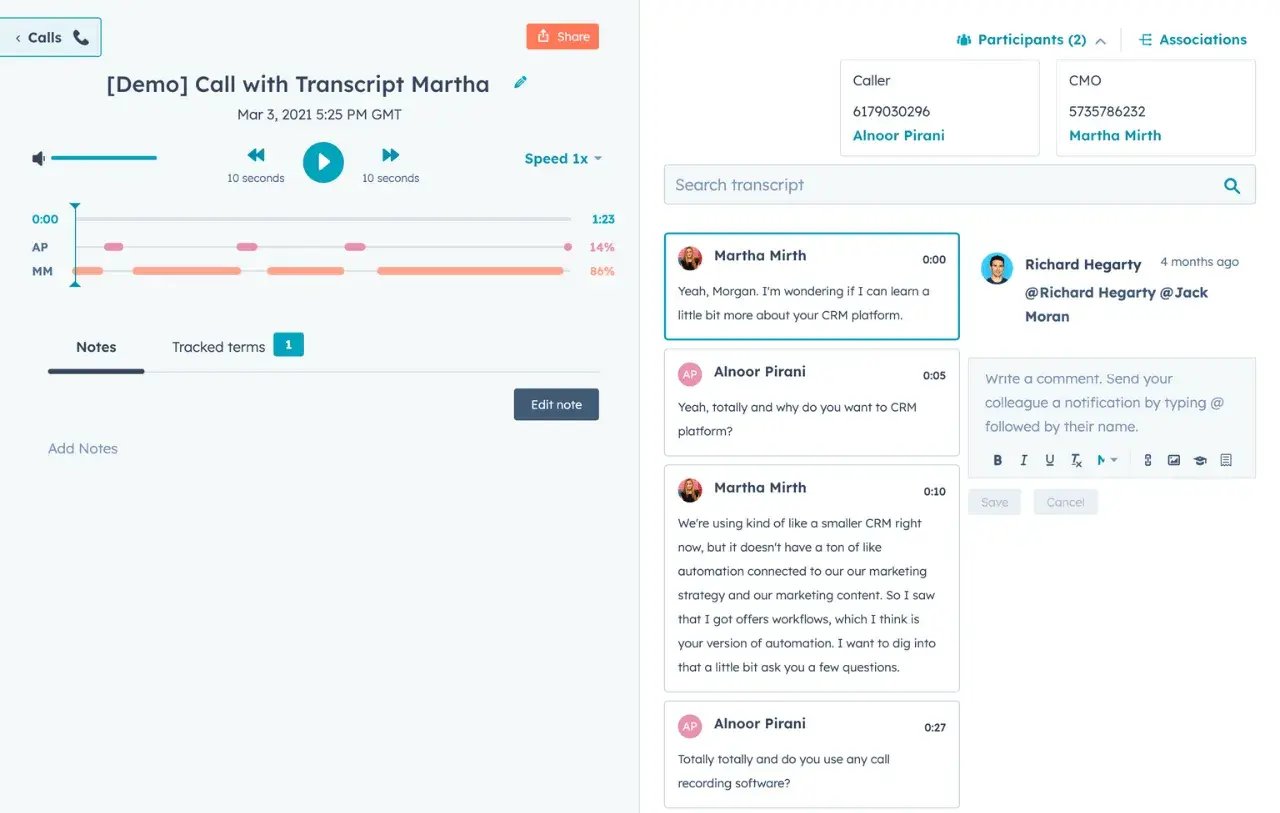
Every call your team takes is a coaching opportunity, but sales managers can't listen to all of them. Notetaker records calls while Conversation Intelligence tracks key terms and surfaces the moments that matter. You coach on what actually happened, not just what reps remember.
Start with Notetaker to record and analyze calls. Add the Sales Coach Assistant for personalized coaching recommendations mid-deal. Use Sales Meetings to track meeting effectiveness and spot trends across your team.
On average, customers that use HubSpot AI
Create
40%
more deals on average with Conversation Intelligence
Win
25%
more deals on average with Conversation Intelligence
Start here
Sales Coach Assistant
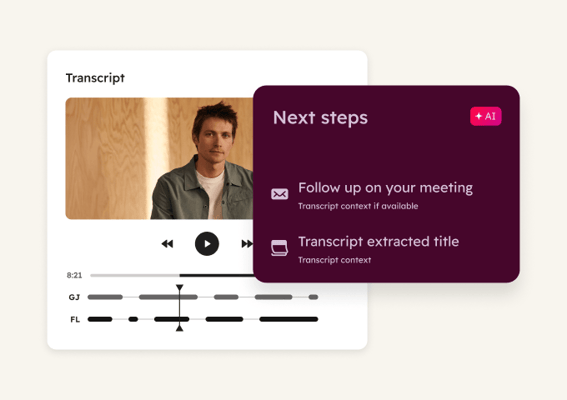
Uses call and deal insights to personalize coaching for each rep. Watches for issues mid-deal and provides recommendations before problems become losses. Use it to give reps specific guidance based on their actual performance patterns instead of generic advice.
Sales Meetings
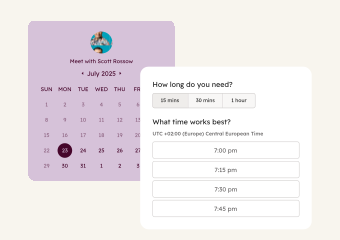
Analyzes meeting effectiveness with AI, uncovers coaching opportunities by tracking how meetings influence deal progression, and surfaces performance trends across your team. Use it to see which meeting behaviors move deals forward and which ones stall them.
Deal Loss Agent
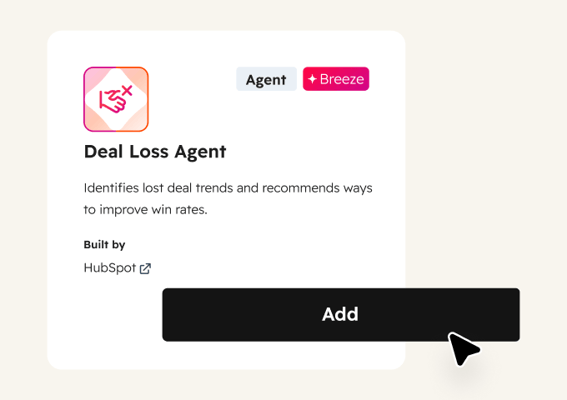
Examines timelines, contact engagement, activities, and call transcripts from closed-lost deals to identify coaching opportunities. Use it to find patterns in why your team loses, like common objections they struggle with or deal stages where momentum drops.
 Emerging
Analyze and Forecast Sales Pipeline
Replace forecast guesswork with deal-level clarity. Breeze analyzes patterns in won and lost deals, scores close probability, and shows exactly where your pipeline needs attention.
 Emerging
Identify At-Risk Deals
Catch stalled deals before they go cold. Breeze monitors your pipeline for deals losing momentum, flags what changed at the account, and helps reps re-engage with relevant outreach.
 Established
Prep for and Follow Up on Meetings
Walk into every call prepared and walk out with follow-ups ready. Breeze pulls CRM context before each meeting and captures notes, action items, and draft emails after.