Logo - Full (Color)

Review and route tickets

Stop sorting tickets by hand.

Let AI categorize, prioritize, and route them instantly.

pictogram-review-and-route-tickets

The Problem

Sorting Tickets Wastes Time. Priority Issues Slip Through.

Sound familiar?

  • "We rely on heavy custom automation for basic ticket routing."

  • "Reps choose the easy tickets first and ignore urgent issues."

  • "We manually assign each ticket because routing rules are way too complex."

You need to get tickets to the right rep fast. Manual triage means urgent issues get buried, important tickets get missed, and your team wastes time sorting instead of solving customer problems.

illustration-commerce

How Breeze Helps

Route Every Ticket to the Right Rep Instantly

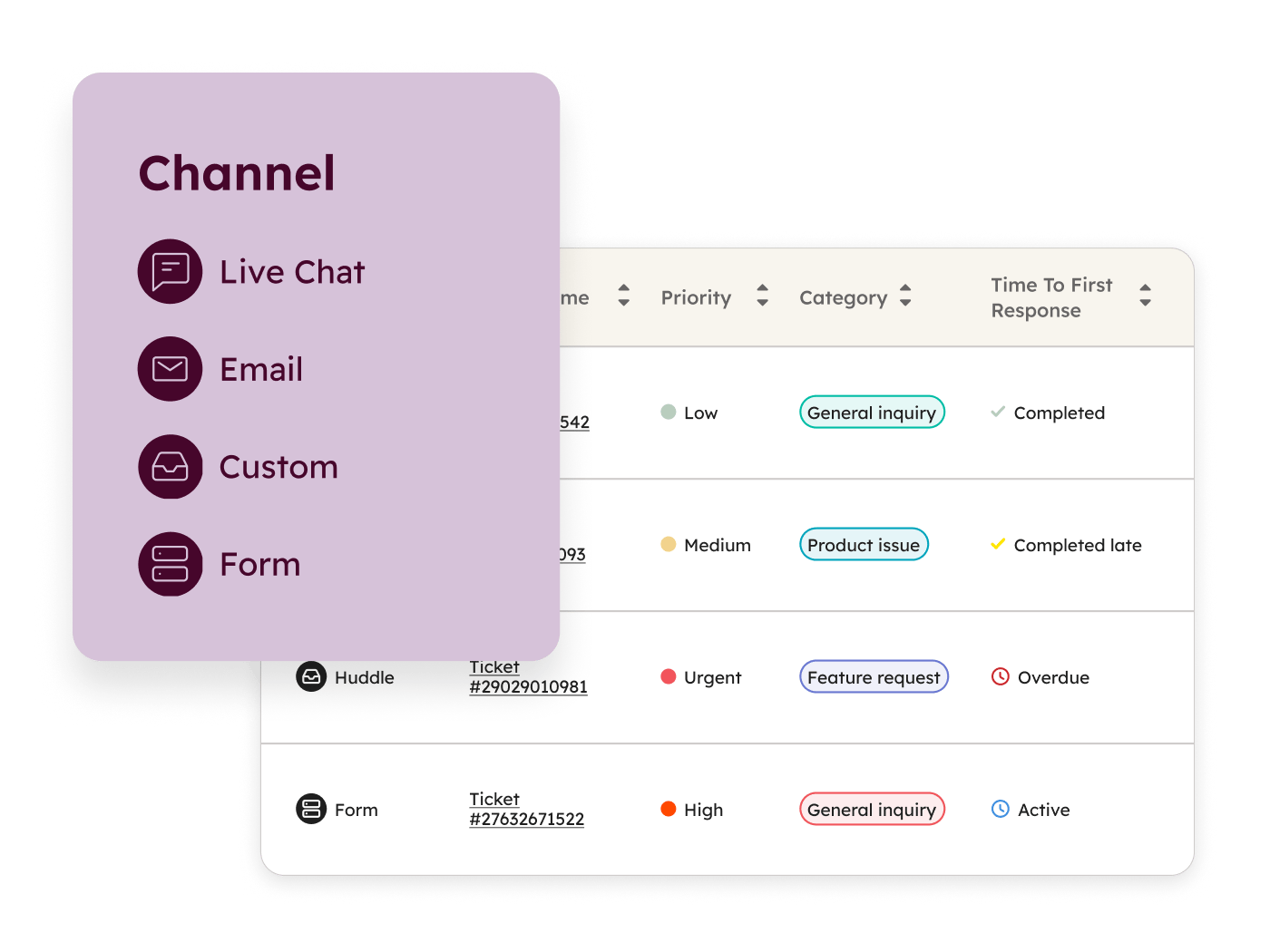
AI automatically categorizes tickets, detects language, generates descriptive names, and flags urgent issues. Priority tickets get categorized, so your routing rules send it to the right rep immediately. Start with Help Desk to handle routing, then explore how each tool speeds up your workflow.

SvH_HelpDesk_Omnichannel_en_01162026-png

Start with Help Desk

Service Hub Professional

Most support workspaces need complex setup. Help Desk works out of the box.

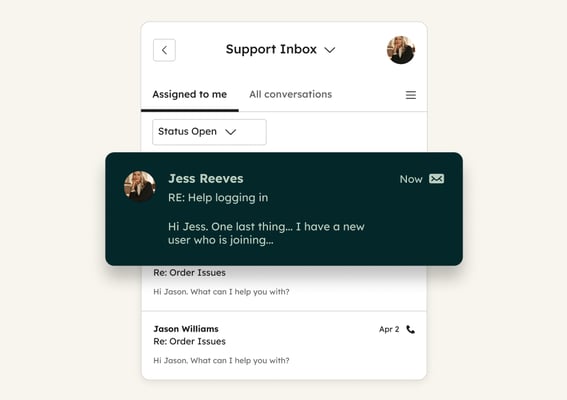
Help Desk handles the busywork automatically, so your reps can focus on actually helping customers. The moment a ticket comes in, AI generates a clear summary so reps don't have to read through long threads, creates a descriptive name so tickets are easy to find, and detects the language so you can route to the right team. 

Because it's all built into the HubSpot CRM, there's nothing extra to configure. Every ticket arrives organized, labeled, and ready for your team to act on. 

This is the difference between teams stuck sorting tickets and teams focused on solving them.

Turn it on to see real results

  • 25%

    boost in ticket resolution when customers use Customer Agent with Help Desk

  • 15%

    faster resolution rates when customers use Customer Agent with Help Desk

Get Started With Help Desk

Help Desk's AI features are on by default once enabled. Here's how to get set up in four steps.

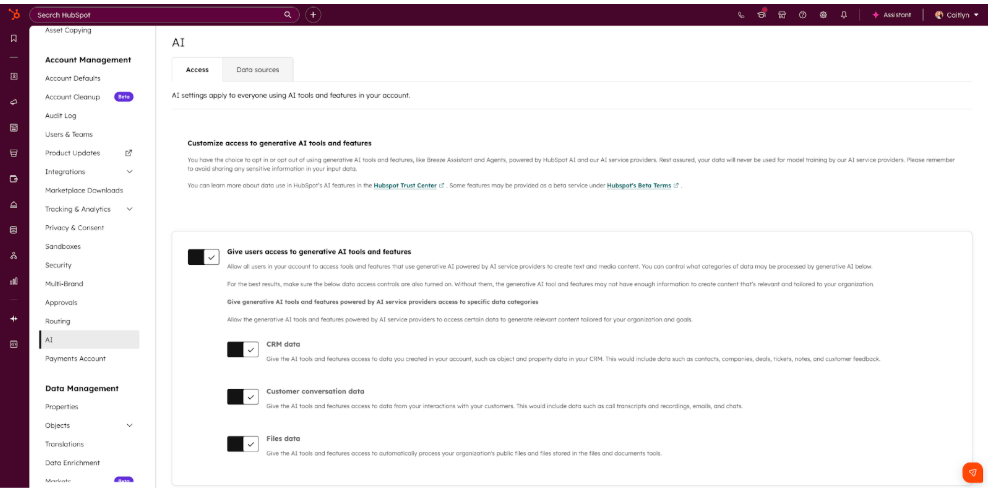
Step 1 - Enable AI Settings

Navigate to Settings, then AI in the Account Management section, and toggle on "Give users access to generative AI tools and features." This enables AI-powered ticket naming in Help Desk.


Step 2 - Turn On Category Identification

Go to Settings, Inbox & Help Desk, then Help Desk in the left sidebar, and navigate to AI tools. Toggle on the "Category identification" switch, so AI automatically categorizes tickets based on the first message content.

Step 3 - Access Help Desk Workspace

Navigate to Service, then Help Desk to view your tickets. There is no additional step to enable AI language detection, but you’ll want to add the property to the card on the right side of the Help Desk for easy viewing. To do that, click Actions on the About card, customize properties, and select Language. You’ll want to add the Category property to see that reflected as well. 

Step 4 - Take Advantage of AI-Generated Insights

Click any ticket to see the AI-generated ticket name, summary, and language. Use these insights across the platform in workflows and reporting for ticket prioritization and operational efficiency. 

Ready to automate ticket assignments?

Create rules that send tickets to the right rep based on how urgent they are, what they're about, or what language they're in.

Go Deeper with More Breeze Tools

Once Help Desk is routing tickets automatically, explore how each AI tool works to speed up triage and prioritization.
ticket_summaries_thumbnail_2x Service Hub Professional

Ticket Summaries

Generates automatic summaries of ticket content by analyzing message threads and highlighting key issues and customer requests without reading through entire conversations. Use it to get team members up to speed instantly when taking over complex tickets during handoffs or escalations.
ticket_language_thumbnail_2x Service Hub Enterprise

Ticket Language

Uses AI to automatically detect the language of incoming ticket messages from customers without manual review or tagging. Use it for routing tickets to language-appropriate team members, generating accurate reports by language, and ensuring customers get help in their preferred language.
ticket_naming_thumbnail_3x Service Hub Professional

Ticket Naming

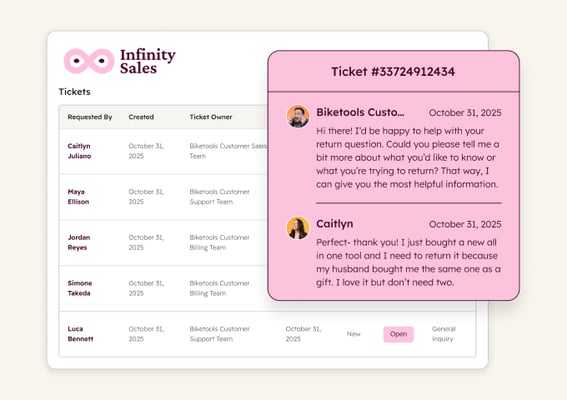
Generates meaningful, descriptive ticket names in one click based on conversation context and ticket properties instead of generic subject lines. Use it to create an easy-to-search naming convention so your team can find and categorize tickets faster without opening each one.

We had people managing conversations across multiple inboxes. Moving everything into one place in Help Desk gave our customer service reps and managers a much clearer view and a more streamlined workflow.

JON KOHLMEIER

Revenue Operations Lead

West Music

15-129-West-Music-Logo-Horizontal-Color
resolve_support_tickets_service_pictogram Established

Resolve support tickets

Resolve common inquiries instantly, day or night. Breeze handles routine questions using your knowledge base, freeing your team to focus on complex issues that need human expertise.
send_personalized_outreach_service_pictogram Emerging

Send personalized outreach

Craft outreach that addresses each customer's specific situation. Breeze analyzes ticket history and CRM data to help you send relevant, timely messages at scale.