Sales
Capture and Qualify Leads
Stop losing leads to slow follow-up.
Let AI qualify, route, and book meetings instantly.
Let AI qualify, route, and book meetings instantly.

Sound familiar?
You still need to respond to new leads quickly and qualify them accurately. What's changed is that you no longer have to do it manually.
The most repetitive parts of your sales process, like asking the same qualifying questions over and over, are exactly where AI delivers the most value. Let AI handle that work, so your team can spend their time actually selling.

AI That Qualifies Leads Around the Clock
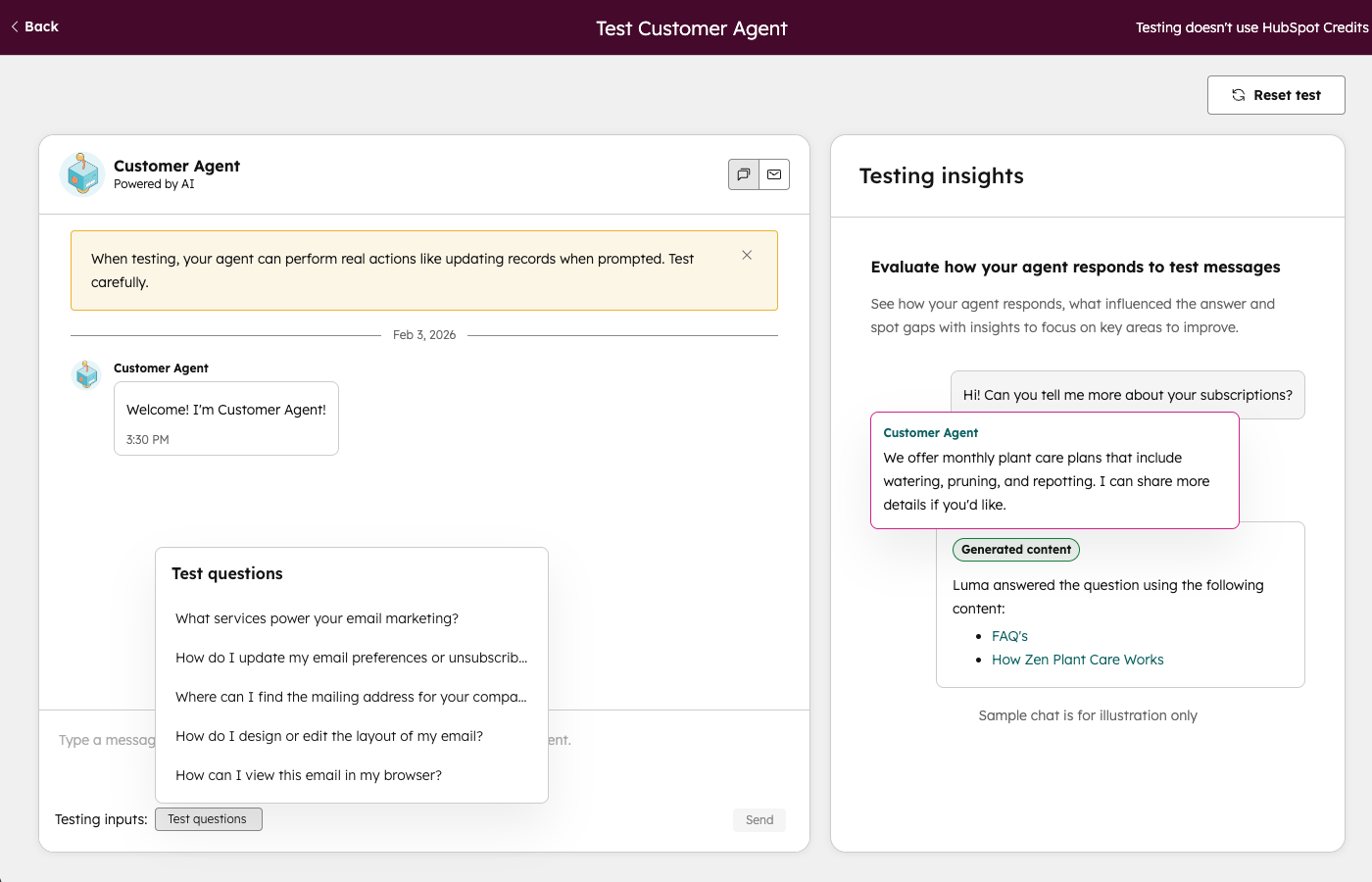
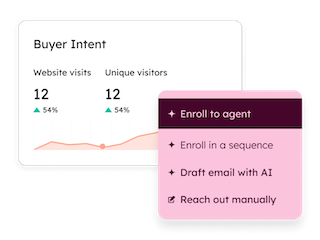
AI handles the first conversation and connects qualified leads to the right rep immediately. No more lost leads from slow response times or after-hours traffic. Start with Customer Agent, and then see how other Breeze tools can help you move pipeline faster.
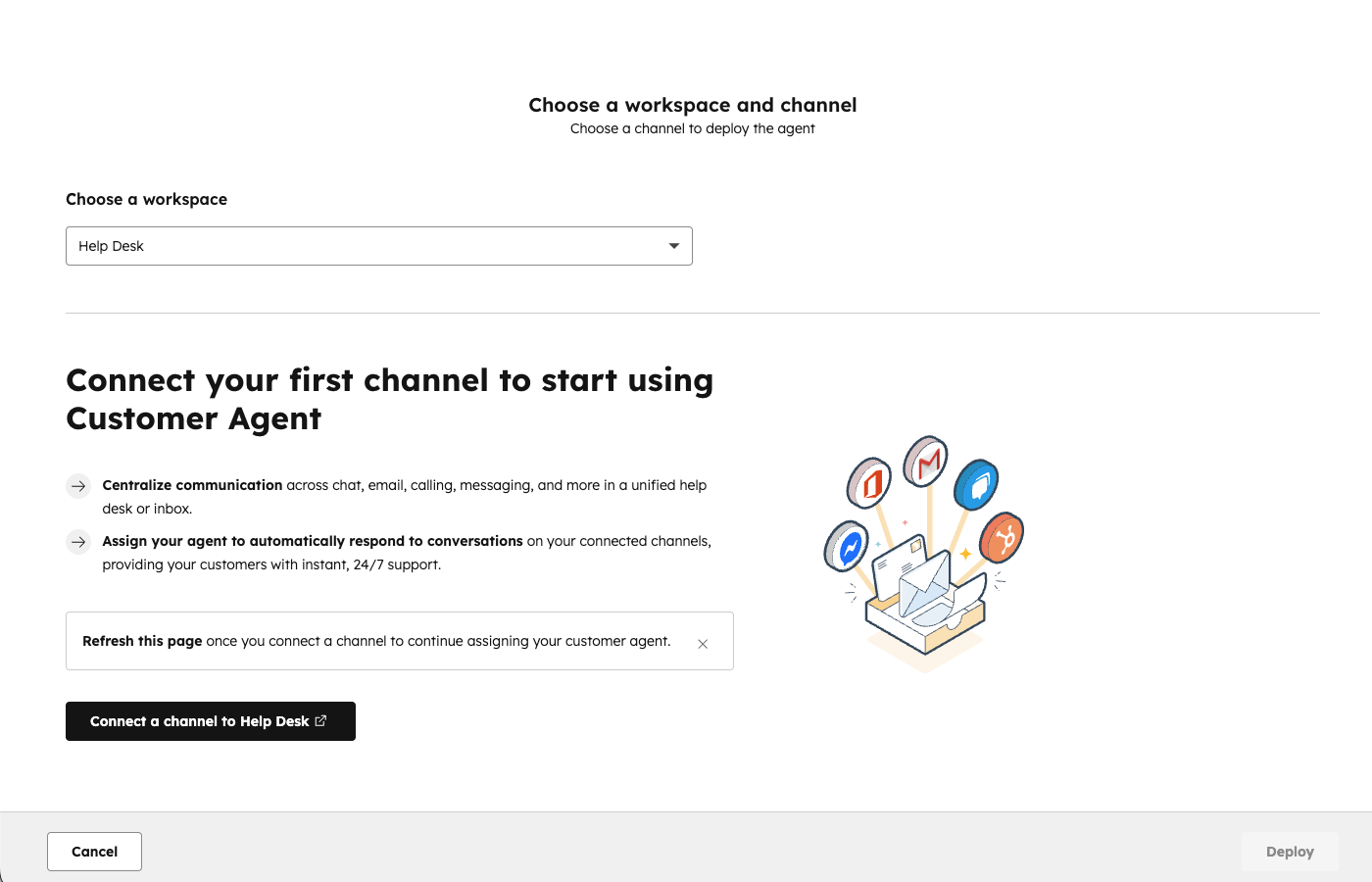
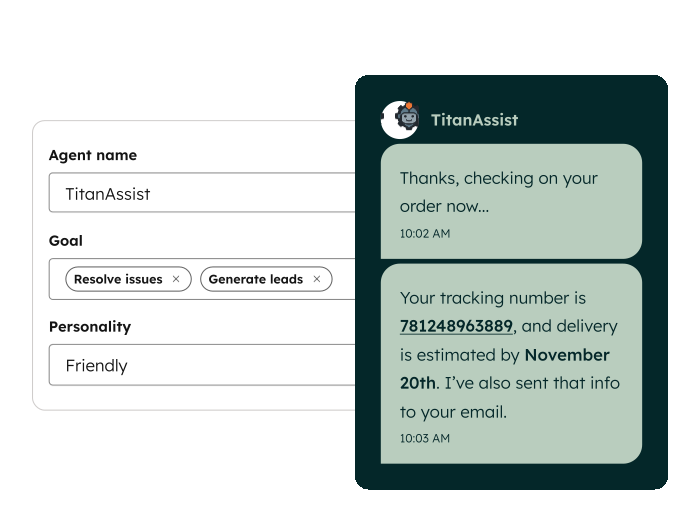
Navigate to Service > Customer Agent and click "Set up your agent." Name your agent and choose a personality that matches your brand — Friendly, Professional, Casual, Empathetic, or Witty.
 Sales Hub Professional+
 Marketing Hub or Sales Hub Professional+
 All Products Starter+
It helps us convert faster. The faster we can provide accurate information, the more likely they are to become customers.
CHRIS PATULLO
Founder & CEO
Football Play Card

 Established
 Early
Early
 Emerging